A design the sales team can use
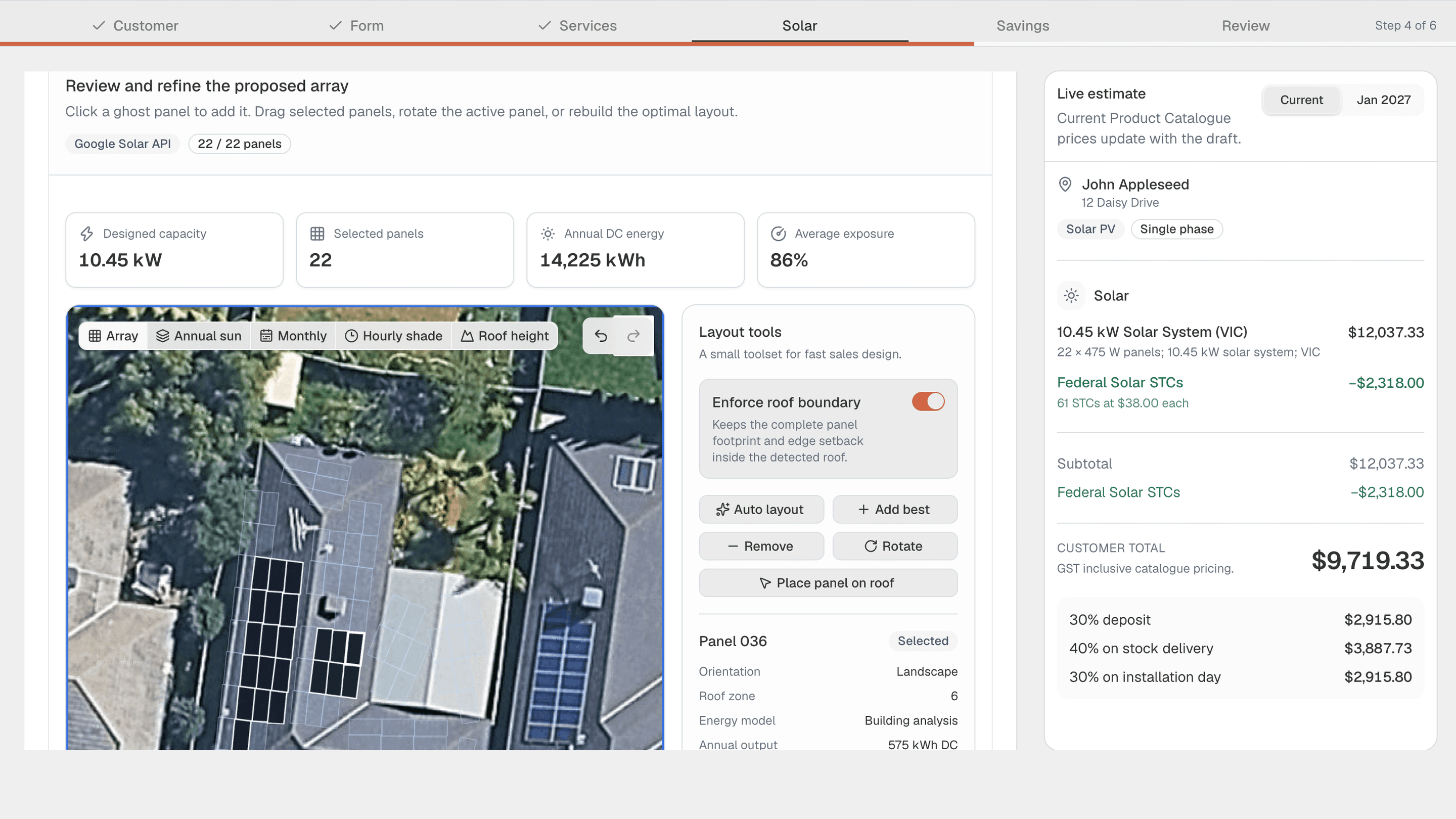
Review roof zones, place or remove panels and refine the proposed array without leaving the guided sales flow.
Solar roof design software
ArcSolar brings property mapping, panel placement, roof constraints and live estimate pricing into one guided workspace. The design stays connected to the system the customer is actually buying.
Book a workflow demoPanel layout, designed capacity and live estimate totals stay visible in the same workflow.
What changes
Review roof zones, place or remove panels and refine the proposed array without leaving the guided sales flow.
Keep capacity, panel count, energy estimates and exposure visible while the live estimate reflects the configured system.
The roof layout and quote reference the same customer, property and selected package instead of travelling as disconnected files.
How it works
The workflow is configured around the retailer rather than forcing the team into a generic software template.
Use the customer property already attached to the quote and open the mapped roof view.
Review roof boundaries and adjust the panel layout to match the proposed system.
Keep the configured capacity and price connected as the estimate moves to savings and review.
Questions
No. The roof design is part of the guided quote flow, so the customer, property, proposed array and live estimate stay connected.
Yes. The design workspace supports reviewing the proposed layout and refining panel placement within the quoting process.
The live estimate is designed to reflect the selected products and system configuration from the retailer's current catalogue.
Related solutions
See it with your workflow